Build Log 002 · 7 September 2026
Building Linux Basics: An Interactive Learning System
Building Linux Basics means turning a beginner Linux course into a safe, interactive learning system with guided onboarding, multilingual UX and release discipline.
01 · The starting point
Building Linux Basics: from a public route to a learning system.
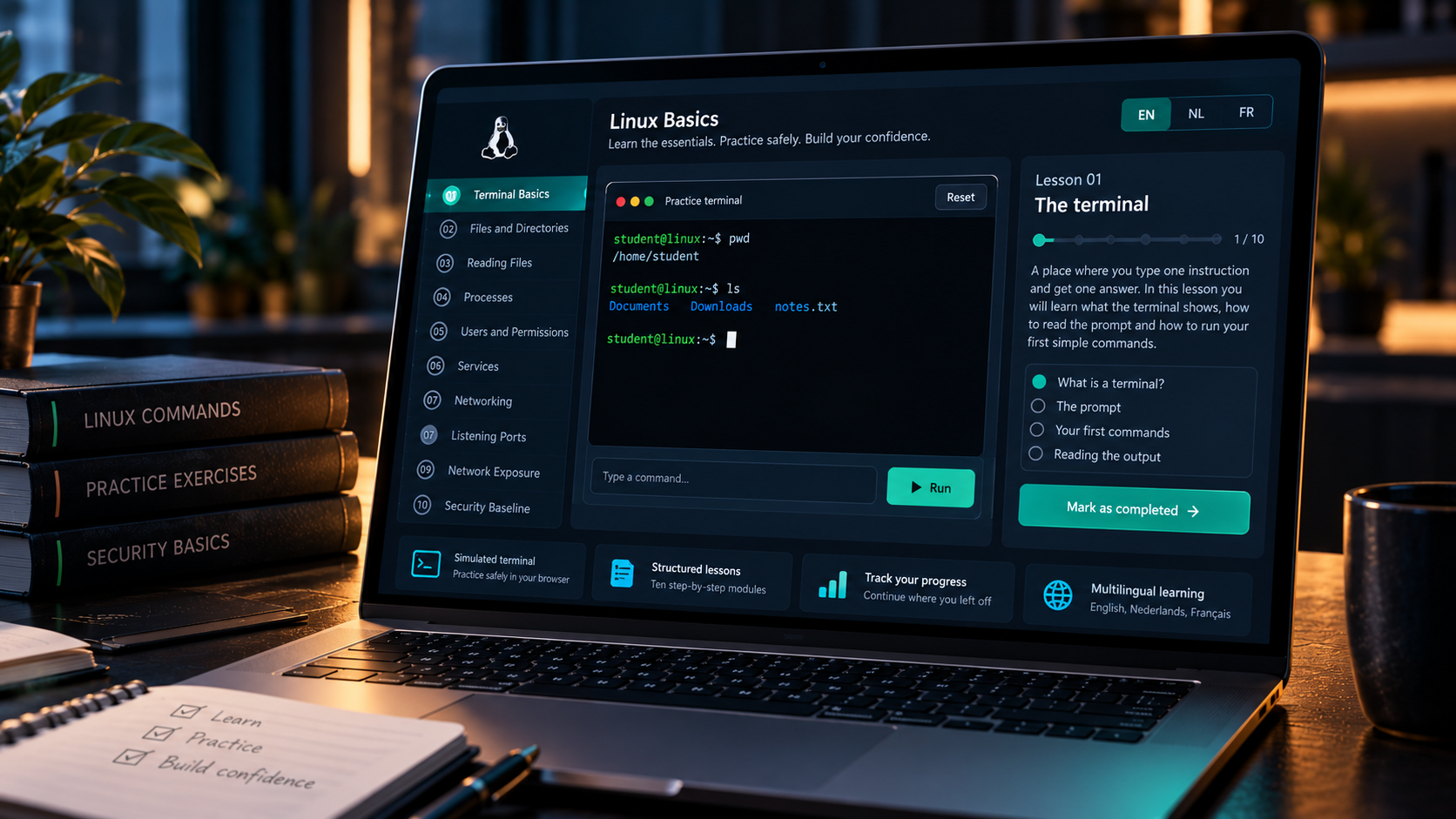
Building Linux Basics began with a free learning route inside Darja Rihla. The build was not treated as a static article: it had a browser interface, lesson data, a simulated terminal, language switching and saved progress. The public product URL is darjarihla.com/linux-basics/.
Artifact 002 records the route as an interactive learning system and preserves the design decisions behind beginner-safe practice. This is a development case study of the live Linux Basics learning environment, not a replacement for the lessons themselves.
02 · The beginner problem
The first version started too close to security.
The old free Linux Basics route was too security-heavy for true beginners. Security is a legitimate destination, but it is a poor first step when a learner still needs to recognise a prompt, type a command, read output and understand where they are.
The revision therefore moved fundamentals first: terminal reading, paths, files and basic command behaviour. Security context remains present, but it no longer has to carry the opening lessons.
03 · Redesigning the curriculum
Begin with orientation, then add capability.
The revised beginner sequence makes the first actions legible. Lessons explain what the learner sees before asking them to reason about risk. Exercises are part of the lesson flow, while the lesson packs remain separate from the interface renderer.
Every early interaction should answer a simple question: what is on screen, what did I type, and what did the simulated computer return?
04 · The safe terminal decision
Simulation made practice possible without system consequences.
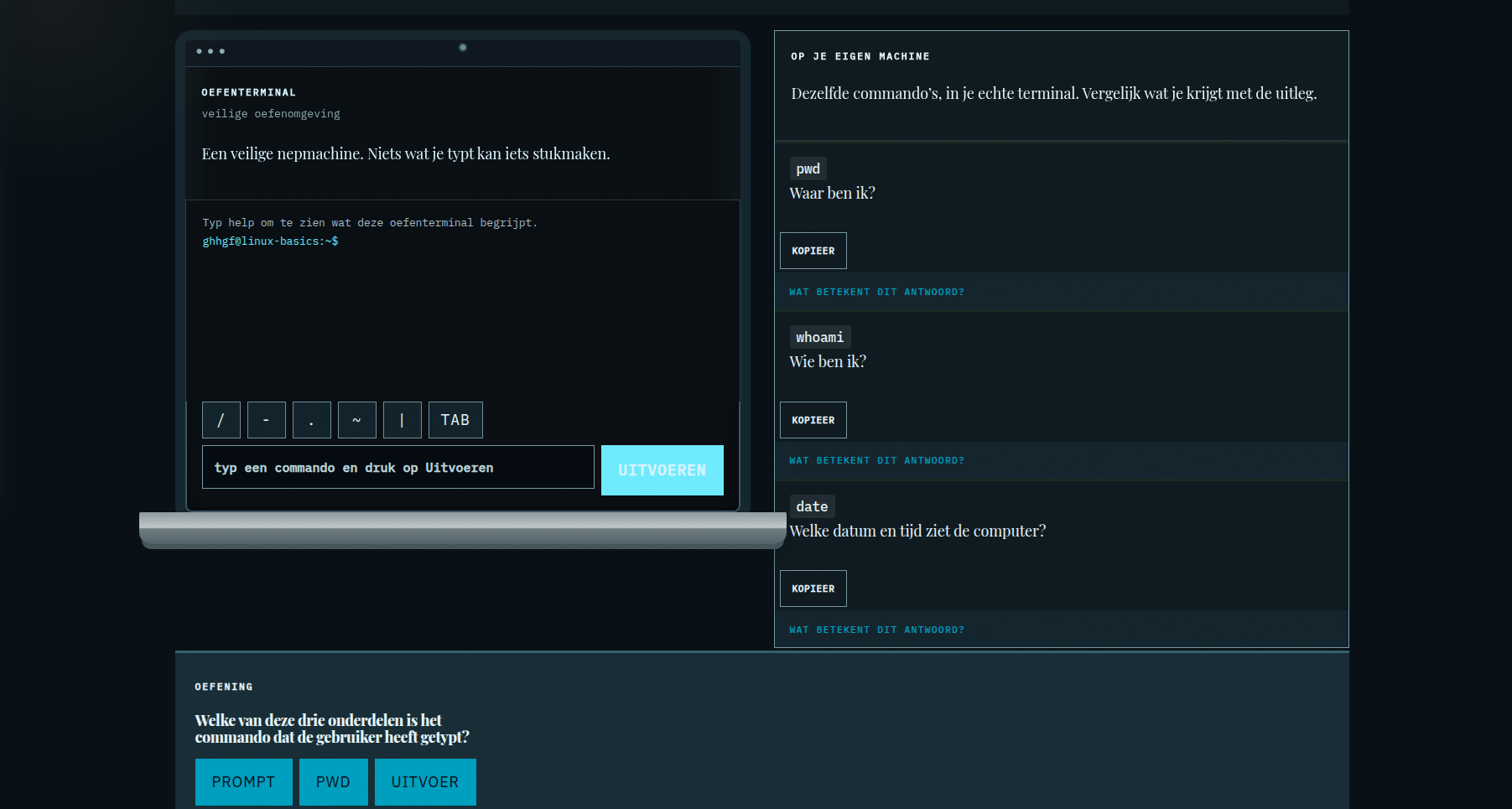
The browser terminal is a local simulation. It is not a shell connected to the visitor’s operating system, and it does not execute real system changes. Commands are interpreted by the Linux simulator used by the page and the resulting output is rendered in the browser.
This boundary is explained as part of the interface because “safe” is a product property that has to be visible, not an assumption hidden in source code. The GNU Bash manual documents real shell behaviour; the Linux Basics terminal instead simulates a defined set of learning interactions.
05 · Separating content, simulation and presentation
Three responsibilities stay distinguishable.
The simulator handles command behaviour. The lesson packs hold instructional content. The presentation layer renders the terminal, lessons, controls, progress, completion state and guided tour. Keeping these responsibilities apart makes a content revision different from a simulator change, and a visual refinement different from a curriculum rewrite.
The repository contains separate files for the simulator, EN/NL/FR lesson packs and the Linux Basics presentation assets. This article documents that separation without presenting it as a larger framework than the code supports.
06 · Guided onboarding
Help appears where the learner needs it.
The first-run guided tour uses six contextual targets: the full practice terminal, terminal output, the input field, helper buttons, the Run button and the lesson rail. The tour can be restarted, can be dismissed permanently with Skip or Done, and closes for the current page session with Escape.
The contextual popover and focus handling keep the explanation connected to the interface instead of placing the learner in a separate generic introduction screen.
07 · EN / NL / FR architecture
Language is content, not a cosmetic switch.
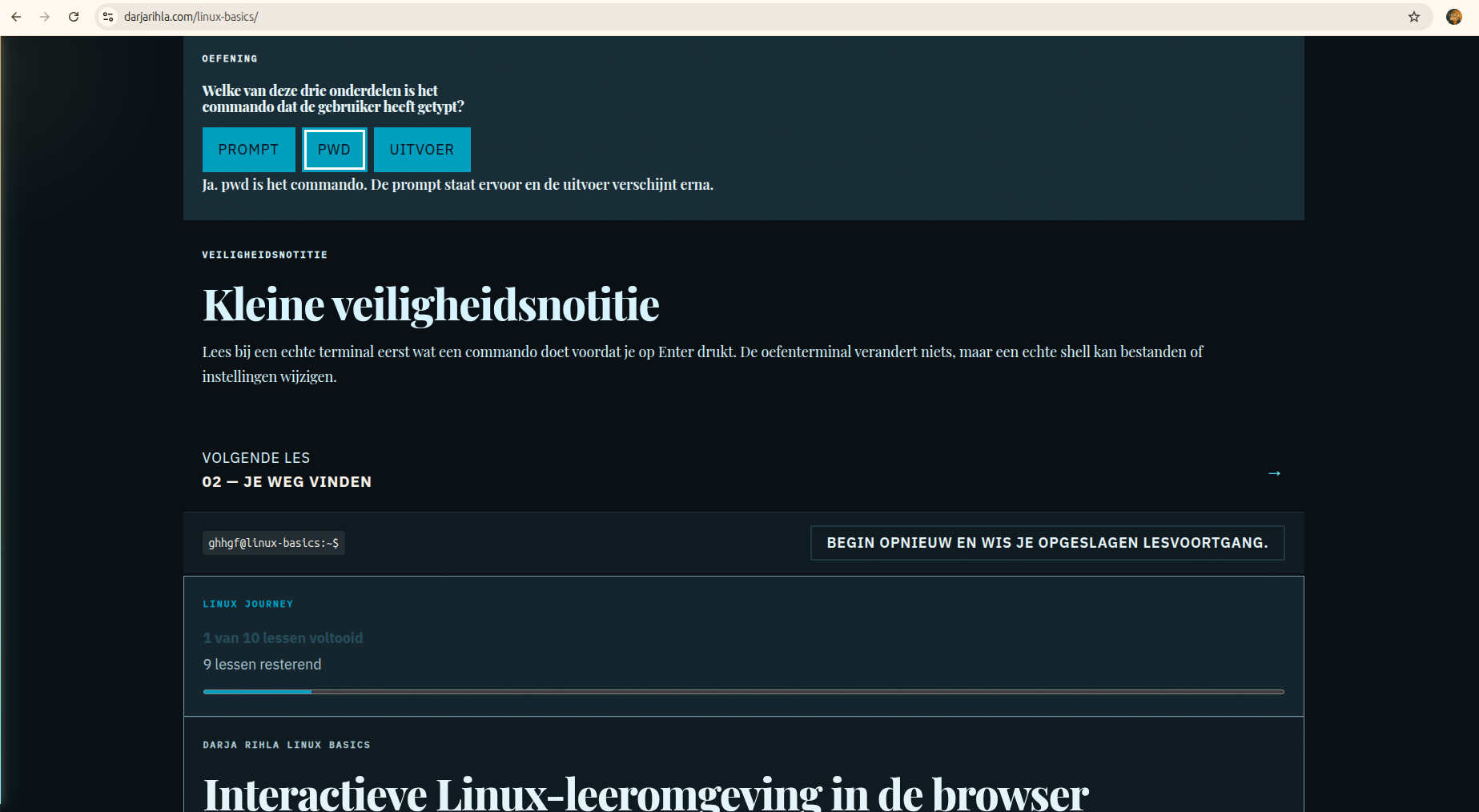
English, Dutch and French are separate lesson packs. The application uses the active language to render lesson content, interface guidance and terminal-frame text. This keeps translation work visible and keeps the learning material from being reduced to a few translated labels.
08 · Touch, keyboard and accessibility
The interaction model has to survive outside a desktop mouse.
Controls use real buttons and links, visible focus styles and touch-sized targets. The guided tour supports keyboard focus, Tab and Shift+Tab containment, Escape closing and focus restoration. Reduced-motion rules remain part of the CSS. On narrow screens the laptop presentation simplifies to a usable terminal card rather than forcing hardware decoration into the interaction area.
These are implementation properties recorded in the source, not a claim that every accessibility outcome has been independently audited by a specialist. The WCAG 2.2 guidelines provide a useful reference for keyboard access, focus behaviour and other accessibility considerations.
09 · Progress and completion
Progress is useful when it has one source of truth.
The interface derives completed lessons from the existing answers object and stores that state in browser localStorage. The progress component shows completed and remaining lessons. The completion card appears only when all ten lesson answers are correct and links to the existing Linux Basics, Advanced Linux and Cybersecurity routes.
There is no certificate claim and no fake badge. Completion means the local learning path has reached its defined end state in that browser.
10 · From terminal card to laptop screen
The shell changed the reading of the product.
The terminal remained real HTML and remained interactive. A CSS-only laptop shell was layered around it: bezel, screen edge, webcam indication, depth and a base below the screen. On mobile the base is hidden and the terminal remains usable. The visual change clarifies the product without replacing it with a screenshot.
12 · Release and rollback discipline
A small interface still needs a release boundary.
Release preparation included targeted status checks, syntax checks with Node and whitespace validation with git diff check. The repository also contains the baseline directory Pages/linux-basics/evidence/before-beginner-revision/ with baseline Linux Basics CSS, JavaScript, simulator and lesson-pack files for rollback reference.
The preview is evidence of local assembly, not automatic publication. WordPress publication remains a separate human-controlled action.
13 · What this build demonstrates
Small features can form a complete learning system.
Beginner-first UX
Fundamentals precede security-heavy framing.
Interactive learning design
Lessons, practice and feedback share one flow.
Multilingual architecture
EN, NL and FR lesson packs remain explicit.
Browser simulation
Practice is separated from real system changes.
Progressive onboarding
Contextual guidance arrives at the relevant control.
Release discipline
Syntax, diff and rollback checks remain visible.
The same build also demonstrates frontend state management, accessibility-aware interaction, responsive design, safe incremental refactoring and rollback discipline. Building Linux Basics required coordinating content, simulation, feedback and release checks without treating a visual redesign as proof of learning outcomes.
14 · Commercial relevance
The pattern is transferable without overstating the outcome.
This build pattern is applicable to onboarding systems, training portals, interactive assessments, client portals, internal learning environments and guided product experiences. The evidence here demonstrates implementation choices and a public artifact; it does not claim customer results, revenue or return on investment.
15 · What comes next
The next route is deeper Linux learning, not a larger claim.
Visitors who want a more advanced path can continue to the existing Advanced Linux Learning Console. The broader lab remains available through Startup Lab, while security context can be explored through Cybersecurity & Tech.